
Table of Contents
Welcome to the wiki of the Malyan community, an open community dedicated to providing support for Malyan 3D Printer.
If you want detailed guiding for operate your printer, please check Tutorial.
If you are looking for support for your printer from Malyan, please take a look at our FAQ first. If you still have problem, then you need to work through this wiki.
If you are interested in buying a Malyan 3D Printer, then contact local reseller or email: sales1_AT_malyansys_DOT_com.
Join the Community
This is an open wiki that thrives through user contributions. A good way to stay informed on what's going on and to get useful tips in using Malyan Printer is subscribing to the newsletter.
Of course we'd be more than happy to have you getting involved.
Malyan System
Malyan System is a China-based company founded in 2012 producing 3D printers. Malyan builds on the early progress of the Replicator and RepRap Project.
Malyan SLA 3D Printer
| S100 Technical Parameters | |
|---|---|
| Type | digital SLA desktop 3D printer |
| Light source | UV light, 405 nm |
| Precision | X / Y axis 0.05mm, Z axis 0.025mm |
| Resin | UV resin |
| Interface | SD Card / WiFi |
| Power | 110~220V |
| Input File | STL, STL available from 123D,CAD and other drawing softwares |
| Compatibility | Windows, MacOSX, Linux |
| Basic Parameters | |
| Overall Dimensions | TBD |
| Shipping Size | TBD |
| Shipping Weight | TBD |
| Layer Thickness | 0.025-0.1mm |
| Build Size | TBD |
How to update firmware
Copy update.bin to microSD card and select update file to print. Machine will freeze for 30 second and then start new firmware.
How to set up wifi
Please follow below link: http://malyansys.com/sla/wiki/scan.htm
Prepare for printing
Malyan SLA 3D Printer is compatible to STL format 3D model. STL format is now industrial standard for 3D printing. All STL model need to prepare and convert to sliced format which printer can recognize.
Currently printer support 5 slicing software:
- Slic3r
- Internal Web slicer
- ChiTuBox
- CreationWorkshop
- Autodesk Print Studio
Please follow below instructions:
Slic3r (Recommended)
Slic3r SLA Edition have preloaded S100 default parameters. Please start from 0.05mm layer setting for your resin.
ChiTuBox
We support ChiTuBox 64bit slicer:


CreationWorkshop
Malyan SLA 3D Printer is compatible to CreationWorkshop. If you want to use the slicer, please obtain a valid license.
Autodesk Print Studio
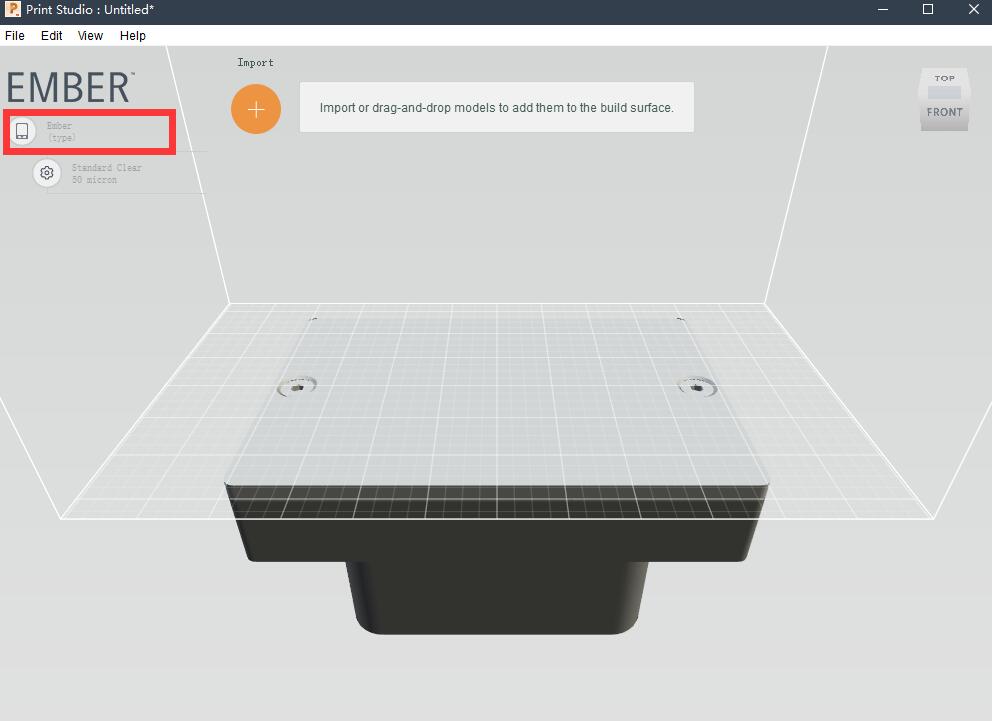
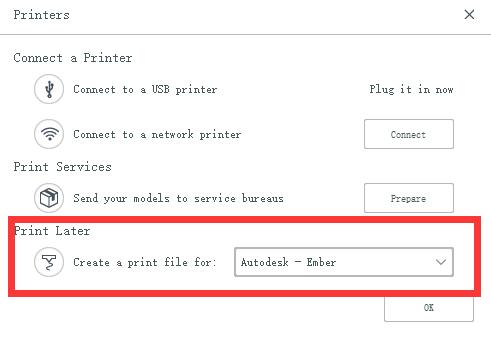
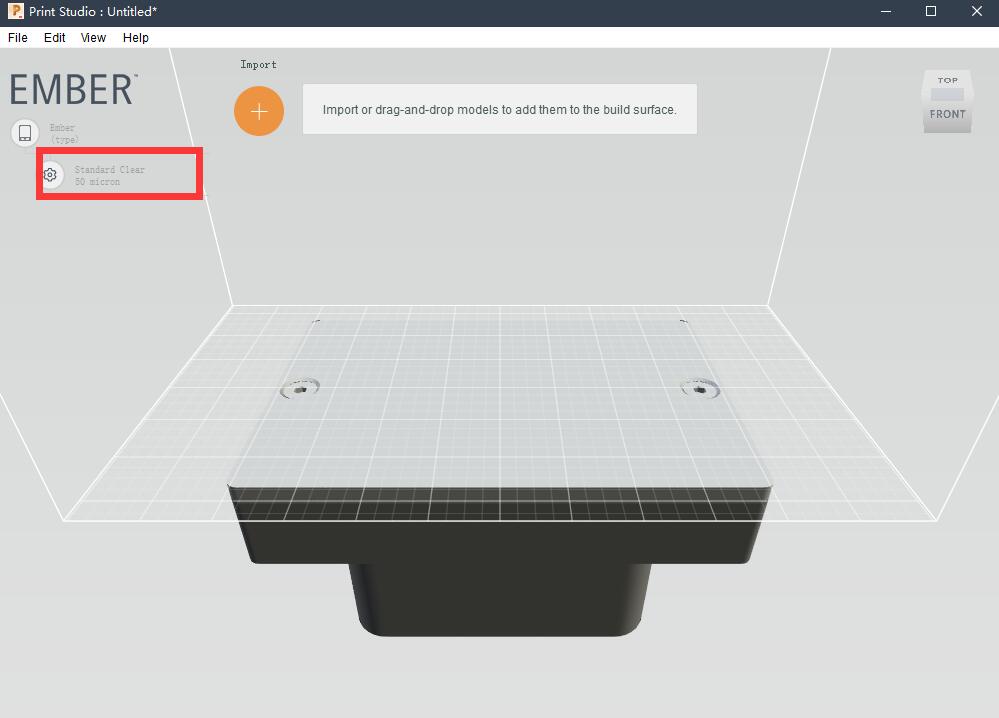
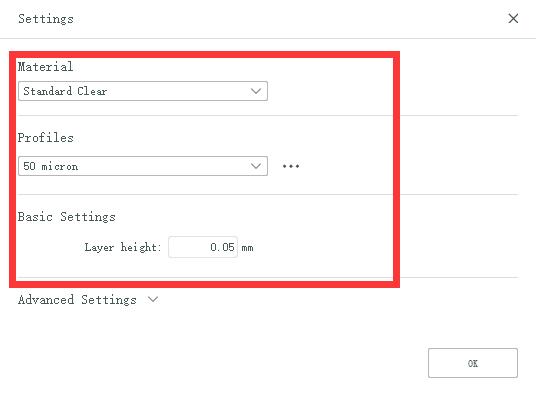
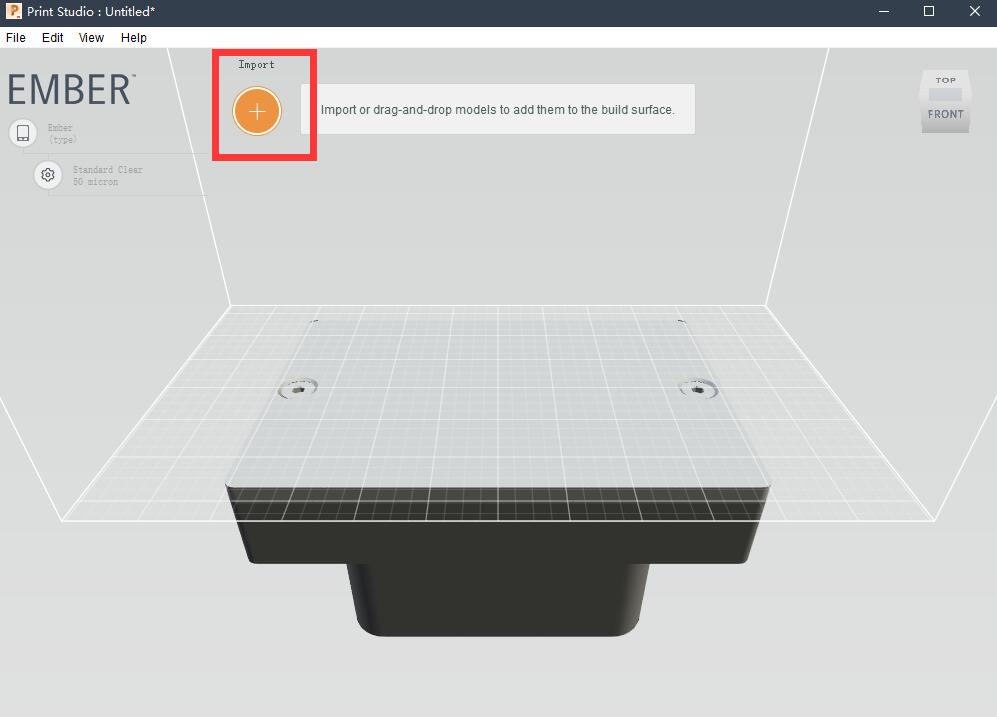
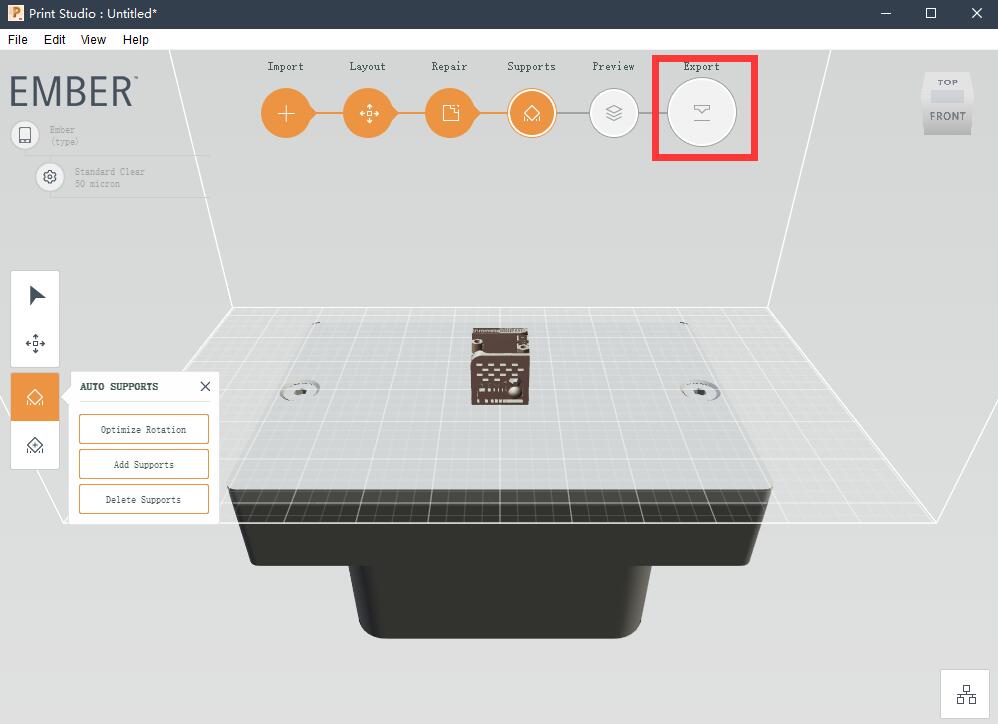
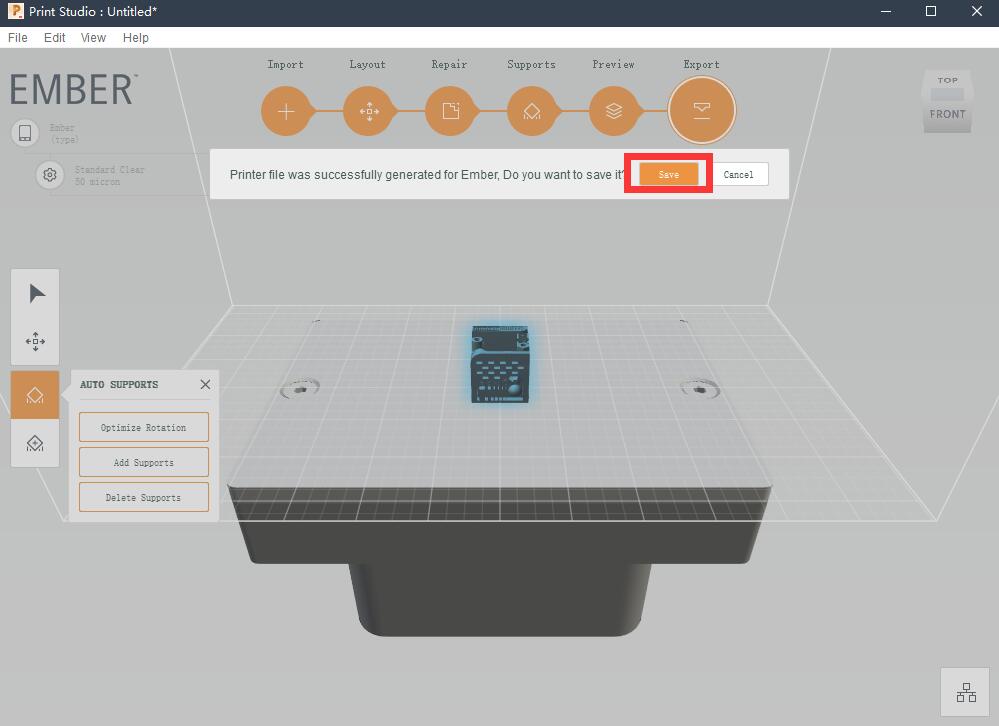
Slicing parameters
Original Resin
| Recommended Parameters | |
|---|---|
| Base Layers: | 3 Layers |
| Base Layer Cure Time: | 40 second |
| Normal Layer Cure time: | 10 second |
| Fast Profile | |
|---|---|
| Base Layers: | 3 Layers |
| Base Layer Cure Time: | 40 second |
| Normal Layer Cure time: | 8 second |
Above parameters will be change after more testing